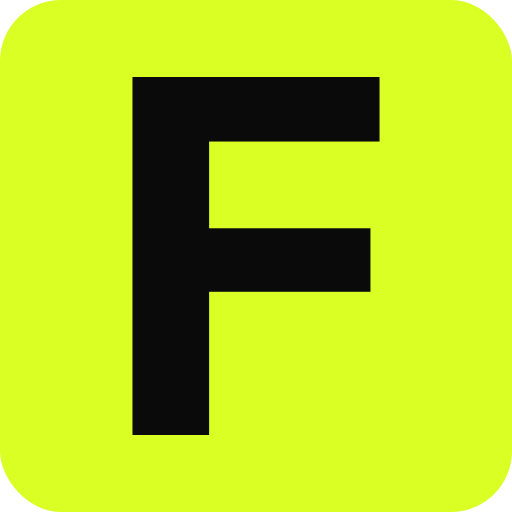
Generate a package
curl -X POST https://favicon.zip/api/generate \
  -H 'content-type: application/json' \
  -d '{"text": "F", "font": "Inter", "background": "#daff24", "radius": 0.25, "padding": 0.1}' \
  -o favicon.zip
The response is application/zip: favicon.ico, icon.svg, favicon-96x96.png, apple-touch-icon.png, the PWA icons, manifest.webmanifest, and a favicon-setup.md with the install snippet for your framework.
Request fields
| field | type | notes |
|---|---|---|
svg | string | SVG markup, up to 512 kB. Sanitized before use. Provide exactly one of svg, text, emoji. |
text | string | 1–4 characters, converted to vector paths. |
emoji | string | A single emoji, drawn with Twemoji vector artwork. |
font | string | Text mode typeface: any Google Fonts family name, or a bundled id such as inter-800. Defaults to Inter. |
text_color | hex | Glyph color in text mode. |
background | "none" · hex · gradient | A gradient is {"from": "#hex", "to": "#hex", "angle": 135}. |
padding | number | -1 to 0.35 of the icon size. Negative values zoom in. |
radius | number | 0 is square, about 0.25 is rounded, 1 is a circle. |
offset_x, offset_y | number | -0.25 to 0.25, nudges the mark. |
dark_background, dark_text_color | hex | Makes icon.svg adapt to dark mode. |
framework | string | html, nextjs, vite, astro, rails or wordpress. Tailors favicon-setup.md. |
app_name, short_name, theme_color | string | Written into the manifest. |
pwa, google_96, ico_48 | boolean | Default true. Turn off the PWA icons, the 96px Google icon, or the 48px ICO layer. |
env_variants, monochrome, dynamic_module | boolean | Default false. Adds badged dev/staging/preview copies, a monochrome manifest icon, or favicon-dynamic.js. |
Shareable download links
Every spec also works as a GET request, with the JSON encoded as base64url in spec. The result is cacheable and safe to hand to a user or put in a README.
SPEC=$(printf '%s' '{"text":"F","background":"#17171a","text_color":"#daff24","radius":0.25}' | base64 | tr '+/' '-_' | tr -d '=\n')
curl -o favicon.zip "https://favicon.zip/api/generate?spec=$SPEC"
Other endpoints
| endpoint | returns |
|---|---|
GET /api/check?url=example.com | A JSON favicon report, the same one the checker shows. |
GET /api/fetch-icon?url=example.com | The best icon the site currently ships, as bytes. The x-icon-source header says which file was chosen. |
Errors and limits
- Validation problems return
400with{"error": "..."}explaining the field. - Request bodies are capped at 768 kB and return
413past that. - All endpoints send
access-control-allow-origin: *, so browsers can call them directly. - The API is free and unauthenticated. Please cache results rather than regenerating the same package on every build.
For agents
Coding agents that speak MCP should use the MCP server instead: it returns the download link, the head snippet, and a preview image in one call. Agents without MCP can read /llms.txt.
Questions
Do I need an API key?
No. The API is free and needs no key or account.
Can I upload a PNG or JPEG?
The API takes SVG, text or an emoji. For raster images, use the editor, which runs in your browser and handles PNG, JPEG and WebP.
Is uploaded SVG safe?
Every SVG goes through an allowlist sanitizer first. Scripts, event handlers, external references and remote CSS imports are removed before anything is rendered.