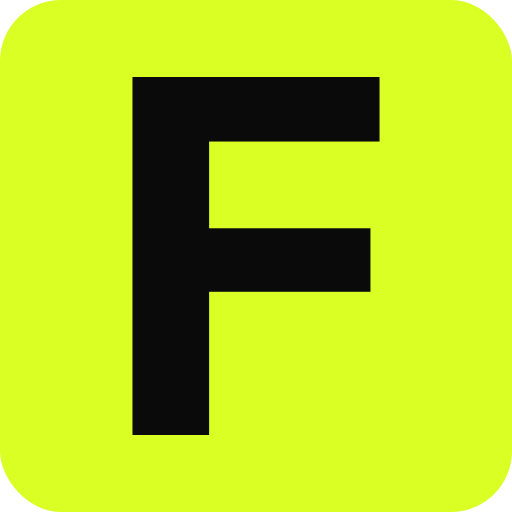
Why the letters become paths
A favicon cannot load your webfont. An SVG favicon with a <text> element is drawn with whatever font the visitor has, which is rarely the one you chose. favicon.zip reads the font file and converts each glyph to outlines, so icon.svg contains shapes, not text, and every PNG is drawn from the same shapes.
Typefaces
The editor bundles a set of faces that work offline, including Inter, Geist, Space Grotesk, Archivo Black, Playfair Display, JetBrains Mono and the pixel face Silkscreen, alongside more families from Google Fonts. Through the API and MCP server, font accepts any Google Fonts family name.
Designing a letter mark
- One or two characters is the useful range. Four fit, but at 16px they rarely read.
- Heavy weights survive small sizes better than light ones. Thin serifs vanish first.
- Check contrast between glyph and background. The editor applies a lime background by default so the glyph never sits on a transparent tab.
- For a two-letter mark, the small-size option can draw only the first letter in the 16 and 32px layers.
From the command line
curl -X POST https://favicon.zip/api/generate \
  -H 'content-type: application/json' \
  -d '{"text":"F","font":"Inter","text_color":"#0a0a0b","background":"#daff24","radius":0.24,"padding":0.1}' \
  -o favicon.zip
Questions
How many characters can a text favicon have?
Up to four. One or two is what reads well in a browser tab.
Can I use a Google Font?
Yes. The editor lists a curated set, and the API accepts any Google Fonts family name in the font field.
Will the text favicon follow dark mode?
It can. Turn on the dark mode variant and choose a dark background and glyph color. The generated icon.svg switches between them.